
Dragon Age II: The Exiled Prince
Sworn to the priesthood as a boy, the noble archer Sebastian Vael is thrust back into the viper's nest of princely politics when his family is brutally murdered, leaving him as the sole surviving heir. Choose…
Dragon Age II: The Exiled Prince is a video game developed by BioWare, released 8 March 2011 on PlayStation 3, Xbox 360 and PC (Microsoft Windows). This page lists 5 cheat codes for it.
What Dragon Age II: The Exiled Prince is
Dragon Age II: The Exiled Prince was developed by BioWare and released in 2011. It was published by Electronic Arts. It is available on PlayStation 3, Xbox 360 and PC (Microsoft Windows).
The premise, in the publisher's words
Sworn to the priesthood as a boy, the noble archer Sebastian Vael is thrust back into the viper's nest of princely politics when his family is brutally murdered, leaving him as the sole surviving heir. Choose to either avenge Sebastian's murdered family and reclaim his title or direct his holy vengeance on your enemies in Kirkwall.
How long it takes, and what that costs
The main story runs about 2 hrs. Completing everything takes closer to 3 hrs, roughly 1.5 times the length of the critical path.
What it launched against
Dragon Age II: The Exiled Prince launched on 8 March 2011, within three weeks of Crysis 2, Dragon Age 2, Bulletstorm and Total War: Shogun 2.
Released around the same time: Crysis 2, Dragon Age 2, Bulletstorm, Total War: Shogun 2.
Cheats and codes
We have tested and published 5 cheat entries for Dragon Age II: The Exiled Prince — 4 console commands and 1 tip. Each one lists the platform it applies to, the exact input, and whether it disables achievements.
Official trailer

Sourced from the publisher’s YouTube channel.
Screenshots
All media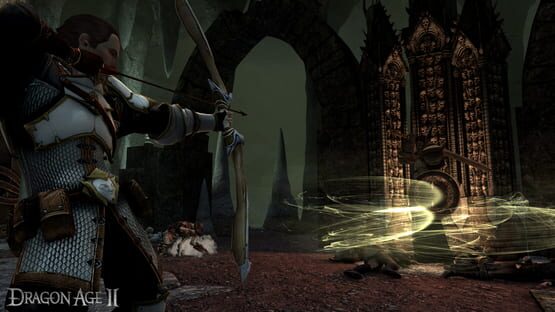
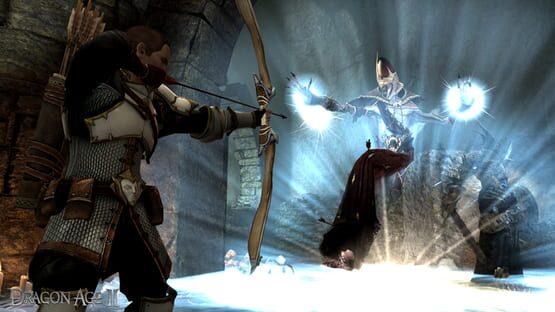
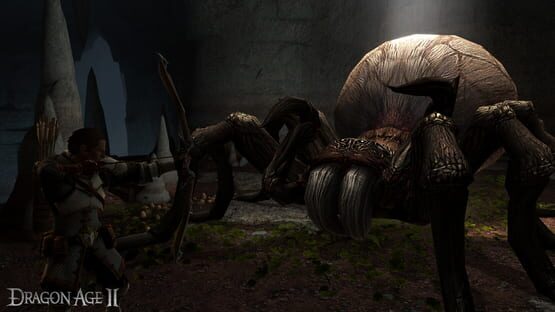
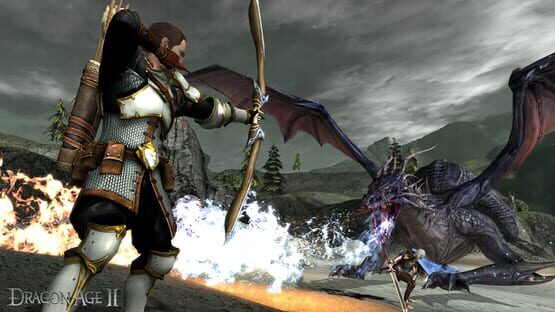
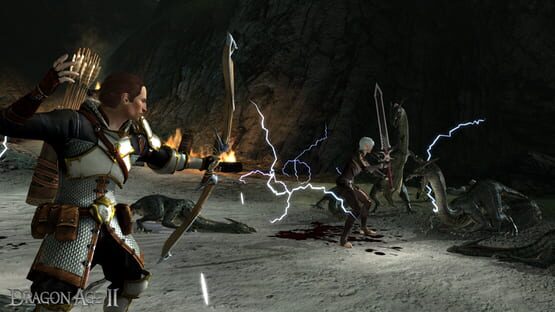
Every code labelled
Dragon Age II: The Exiled Prince cheat codes
These are Dragon Age II codes
Dragon Age II: The Exiled Prince is loaded by the base game, so its console and its codes are the base game’s. Nothing extra is installed.
Enable the console
Added to the launch shortcut, this turns the console on.
Right-click the shortcut, choose Properties, and add the flag after the exe path.
Give the console a key
The console has no key bound by default, which is why it appears not to work even after the flag is set.
Open Documents\BioWare\Dragon Age 2\Settings\keybindings.ini, find the OpenConsole_0 line and set it to a key such as Grave, then save.
This is the step most guides leave out, and without it the flag alone does nothing.
God mode
Your character takes no damage.
Open the console and type the command.
Parents
Quick answers