There is no single place where PC games keep their saves. Each developer picks a folder, and the choice usually comes from the engine or the publisher's habits. The good news is that the same few folders come up again and again. This guide goes through them in order, with games from our own save-location pages as examples. If you know which game you are looking for, its own page has the exact path.
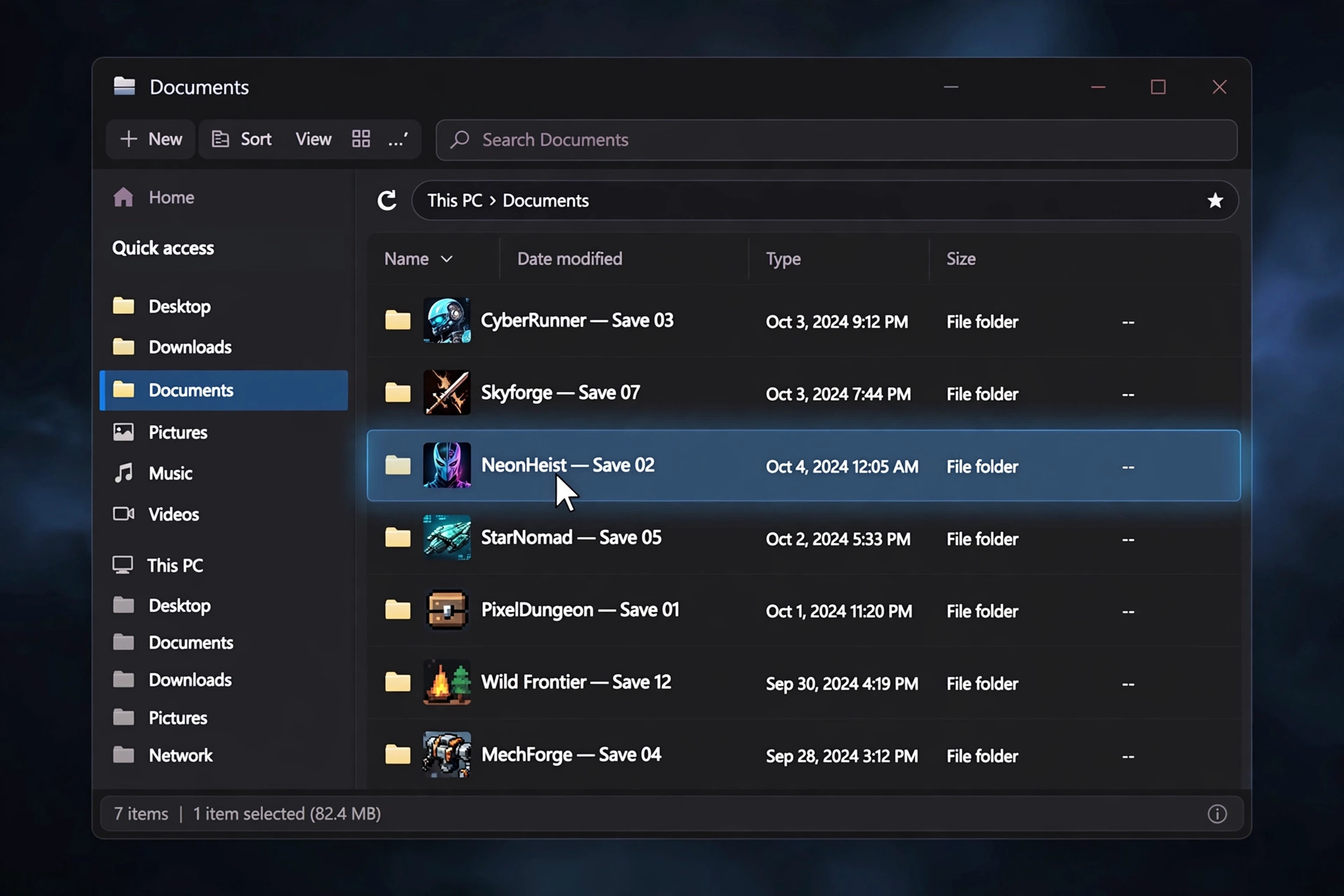
First, how to open these paths
Paths that start with %USERPROFILE% or %LOCALAPPDATA% are Windows shortcuts for your own user folder. You do not need to work out what they mean. Press Windows + R, paste the whole path, and press Enter. Windows fills in your user name and opens the folder.
The AppData folder is hidden by default, so you will not see it in File Explorer unless you turn on hidden items. The Windows + R method gets around that.
1. Documents\My Games
This is the oldest pattern and the easiest to find, because it sits in your Documents folder where you can see it. Bethesda's games use it:
- Skyrim:
%USERPROFILE%\Documents\My Games\Skyrim\Saves - Fallout 4:
%USERPROFILE%\Documents\My Games\Fallout4\Saves
Both games also keep their settings file one folder up, in the game's folder under My Games (Skyrim.ini, Fallout4.ini). That is the file guides tell you to edit for settings that are not in the menu. It is a separate file from the saves.
2. Documents, but under the publisher's name
Some publishers skip "My Games" and make their own folder in Documents instead. Paradox does this. Crusader Kings III saves to %USERPROFILE%\Documents\Paradox Interactive\Crusader Kings III\save games. If a game is not in My Games, look in Documents for the publisher's name before going anywhere else.
3. AppData\LocalLow
If a game is made in the Unity engine, check here first. Unity's default save folder on Windows is AppData\LocalLow, then the studio name, then the game name. Many Unity games keep that default, so the path tells you who made the game:
- Hollow Knight: Silksong:
%USERPROFILE%\AppData\LocalLow\Team Cherry\Hollow Knight Silksong - Schedule I:
%USERPROFILE%\AppData\LocalLow\TVGS\Schedule I\Saves - Cities: Skylines II:
%USERPROFILE%\AppData\LocalLow\Colossal Order\Cities Skylines II\Saves
"LocalLow" is easy to misread as "Local". They are two different folders next to each other inside AppData. If you open Local and the game is not there, go back one level and open LocalLow.
4. AppData\Local
The plain Local folder is the other common place. Unreal Engine games often end in Saved\SaveGames, which helps you recognise them:
- Satisfactory:
%LOCALAPPDATA%\FactoryGame\Saved\SaveGames - Crimson Desert:
%USERPROFILE%\AppData\Local\Pearl Abyss\CD\save - Deltarune:
%LOCALAPPDATA%\DELTARUNE
Satisfactory shows why searching for the game's name sometimes fails. Its folder is called FactoryGame, the project's internal name, not "Satisfactory". If a search for the title finds nothing, look through Local for the studio's name or a short code name.
5. Saved Games
Windows has a folder made for exactly this, %USERPROFILE%\Saved Games, but few games use it. Enshrouded is one: %USERPROFILE%\Saved Games\enshrouded. It is worth a quick look when the other folders come up empty.
6. Steam's userdata folder (Steam Cloud)
Games that sync through Steam Cloud often keep a copy, or their only copy, inside Steam's own folder:
C:\Program Files (x86)\Steam\userdata\[Steam user ID]\[app ID]\remote
The two numbers in the path are:
- Steam user ID. A number for your Steam account. If only one person has signed in to Steam on this PC, there is usually only one folder here.
- App ID. The game's number on Steam. It is the number in the game's Steam store address.
Some examples from our pages:
- Forza Horizon 5 (Steam copy):
...\userdata\[Steam user ID]\1551360\remote - Enshrouded (Steam Cloud copy):
...\userdata\[Steam user ID]\1203620\remote - Crusader Kings III (Steam Cloud copy):
...\userdata\[Steam user ID]\1158310\remote\save games
Enshrouded and Crusader Kings III have a folder in Documents or Saved Games and a Steam Cloud folder. Which one holds your latest save depends on your cloud settings. Before you replace or delete anything, check the date on the files in both.
7. Steam Deck and Linux: compatdata
On a Steam Deck, Windows games run through Proton, and each one gets its own pretend Windows drive. The save is still at the game's usual Windows path, only inside that drive:
~/.steam/steam/steamapps/compatdata/[app ID]/pfx/drive_c/users/steamuser/, then the usual Windows path.
Deltarune shows this clearly. On Windows the save is in AppData\Local\DELTARUNE. On the Deck it is ~/.steam/steam/steamapps/compatdata/1671210/pfx/drive_c/users/steamuser/AppData/Local/DELTARUNE. It is the same folder, inside Proton's copy of Windows. Once you know a game's Windows path and its app ID, you can work out the Deck path yourself.
The store you bought from matters
One game can save in different places depending on where you bought it. Forza Horizon 5 bought on Steam saves to Steam's userdata folder. The Microsoft Store / Xbox app copy uses a folder under AppData\Local\Packages. Crimson Desert on a Mac has one path for the Steam copy and another for the Mac App Store copy. If a path from a guide is empty, check whether the guide was written for a different store's copy.
Before you copy or replace a save
- Close the game completely first. A game that is running can write over the file you just put back.
- Copy the whole folder, not one file. Many games split a save across several files.
- If the game uses Steam Cloud, Steam may upload or download a save when the game launches. If you put back an old save and Steam asks which copy to keep, read that prompt carefully.
When none of these work
Open the game's page on our site and go to its save-location page. Each path there comes from a cited source, and the page says which platform and store it is for. If your game is not covered, or a path is wrong for your copy, the page has a link to tell us.